AI Video Generator
Choose a starting scene. Make it your own.
12 scenesNo matching scenes.
Try another keyword or explore all scenes.
01
Choose your scene
Find a style, an effect, or a cinematic move you love.
02
Add your photo
Bring your own image into the Cling AI studio.
03
Bring it to life
Review your clip, refine it, and save the result.
A little more to know.
What is photo-to-video?+
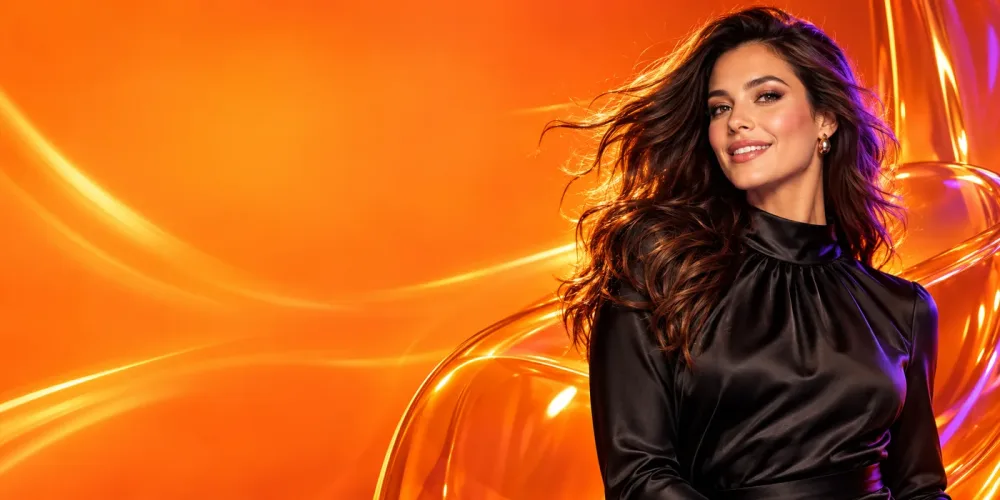
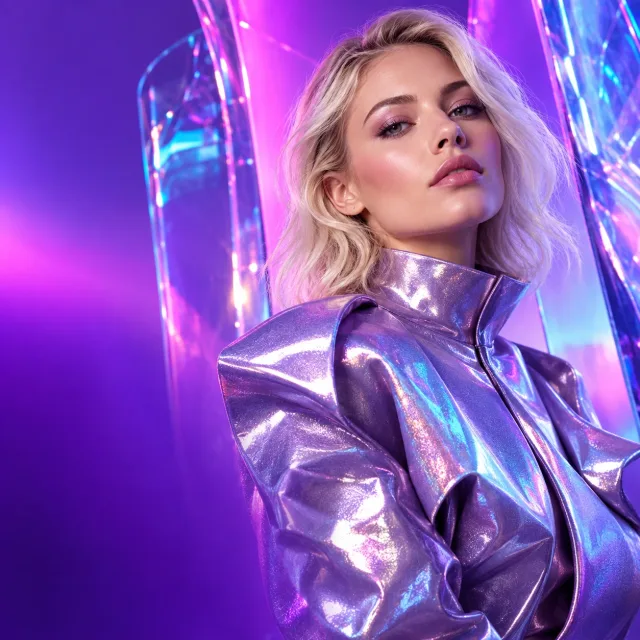
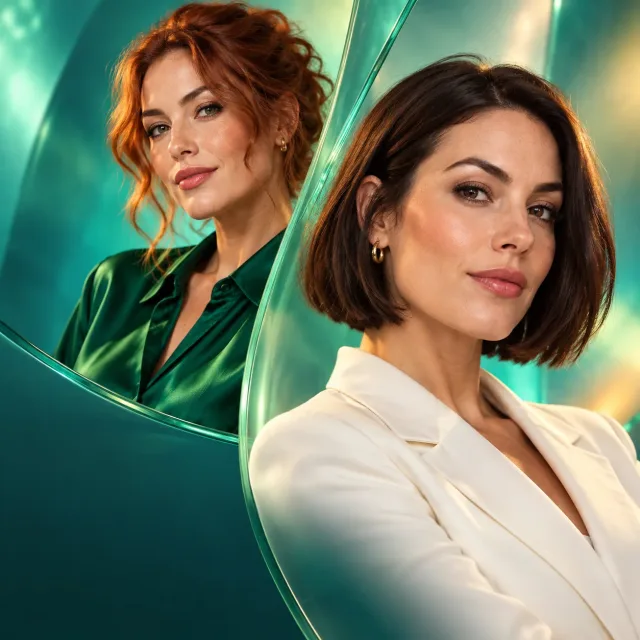
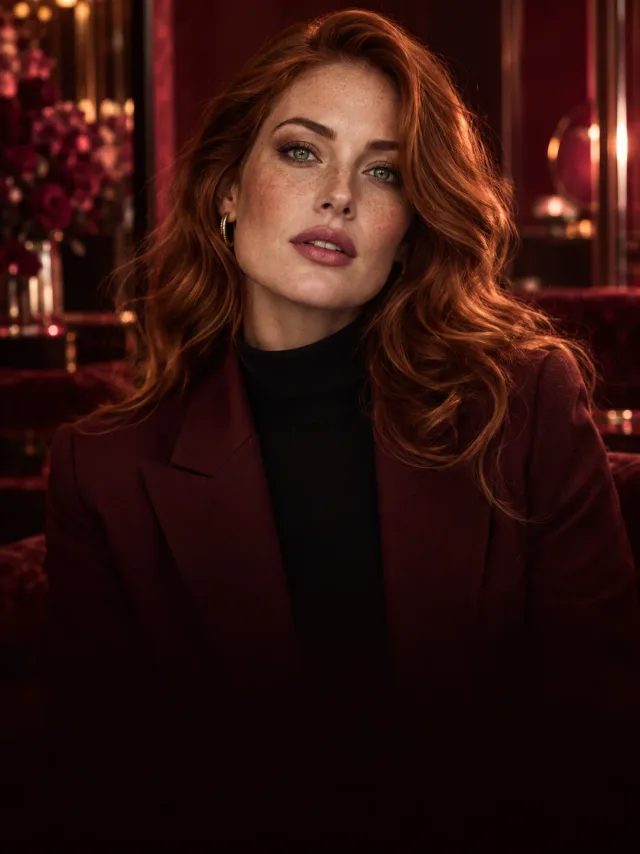
Photo-to-video adds movement to a still image. Explore the examples above to see animation styles, transformations, and cinematic camera effects.
How do I use a video template?+
Open a scene to watch its preview, then choose “Use this template” to continue in the Cling AI studio and add your own photo.
Can I preview a scene before creating?+
Yes. Hover over a scene on desktop, or tap a card to open the full video preview. You can play, pause, and download the example clip.